Oldskool GRC

Call me old fashioned, but I liked it when risk registers were bound ledgers. It worked just fine, and you always knew where everything was. That's the theory behind these apps — because sometimes you just need a quick and dirty GRC self assessment.

Principles

Built different than what you're used to.

Three rules every app in the suite follows. They're not optional — they're the reason PumaWorx exists.

01

Single file for portability

Each app is one HTML file. Drop it on a USB stick, install it as a PWA, save it to your downloads folder, archive it on a NAS. Wherever a browser runs, the app runs.

02

Offline for security

No outbound traffic means no exfiltration risk, no third-party SaaS to vet, no remote dependencies to compromise. The browser and the file are the entire trust boundary.

03

Made just for me

PumaWorx is a personal passion project that helps me do what I want to do, how I want to do it, forever. Never again will the product I depend on get bought and ruined by some private capital or hijacked by internet drama.

The Suite

An ever-evolving, offline GRC suite.

Each app exports to the next — PumaGRC2 hands maturity gaps to PumaRisk, PumaRisk hands risk-treatment plans to PumaBCP, and PumaLogger captures the timeline when things actually break.

01 Comply 763 KB

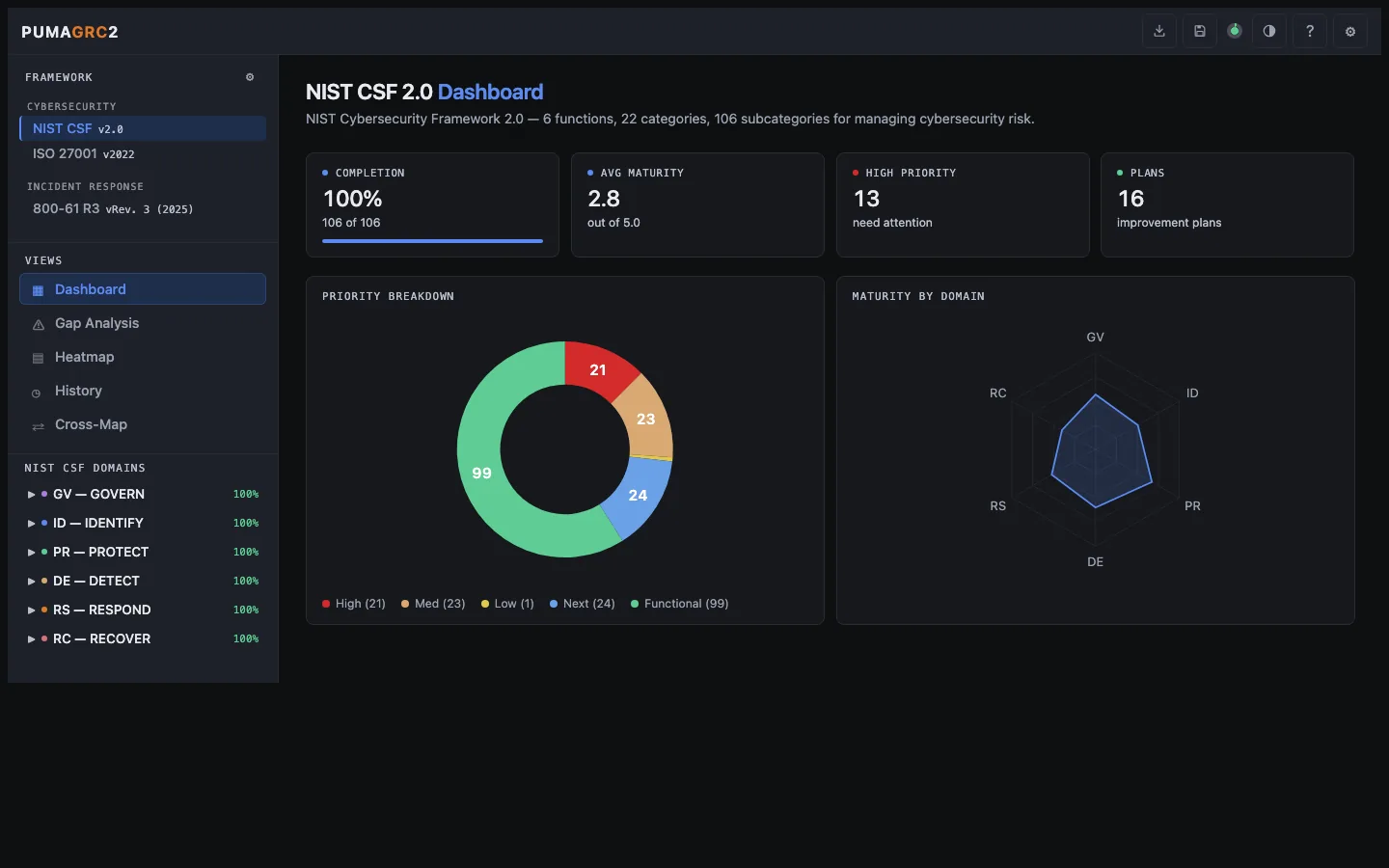
PumaGRC2

Multi-framework compliance self-assessment

Maturity scoring across multiple frameworks. Record maturity, priority, evidence and plans to visualize heatmaps and crossmappings against NIST CSF.

  • 16 Cyber, federal, privacy, and response frameworks
  • Heatmap and Crossmap views for visualization
  • Exports to PumaRisk registers and other standard formats
pumagrc2.greykit.com
PumaGRC2 screenshot

02 Assess 382 KB

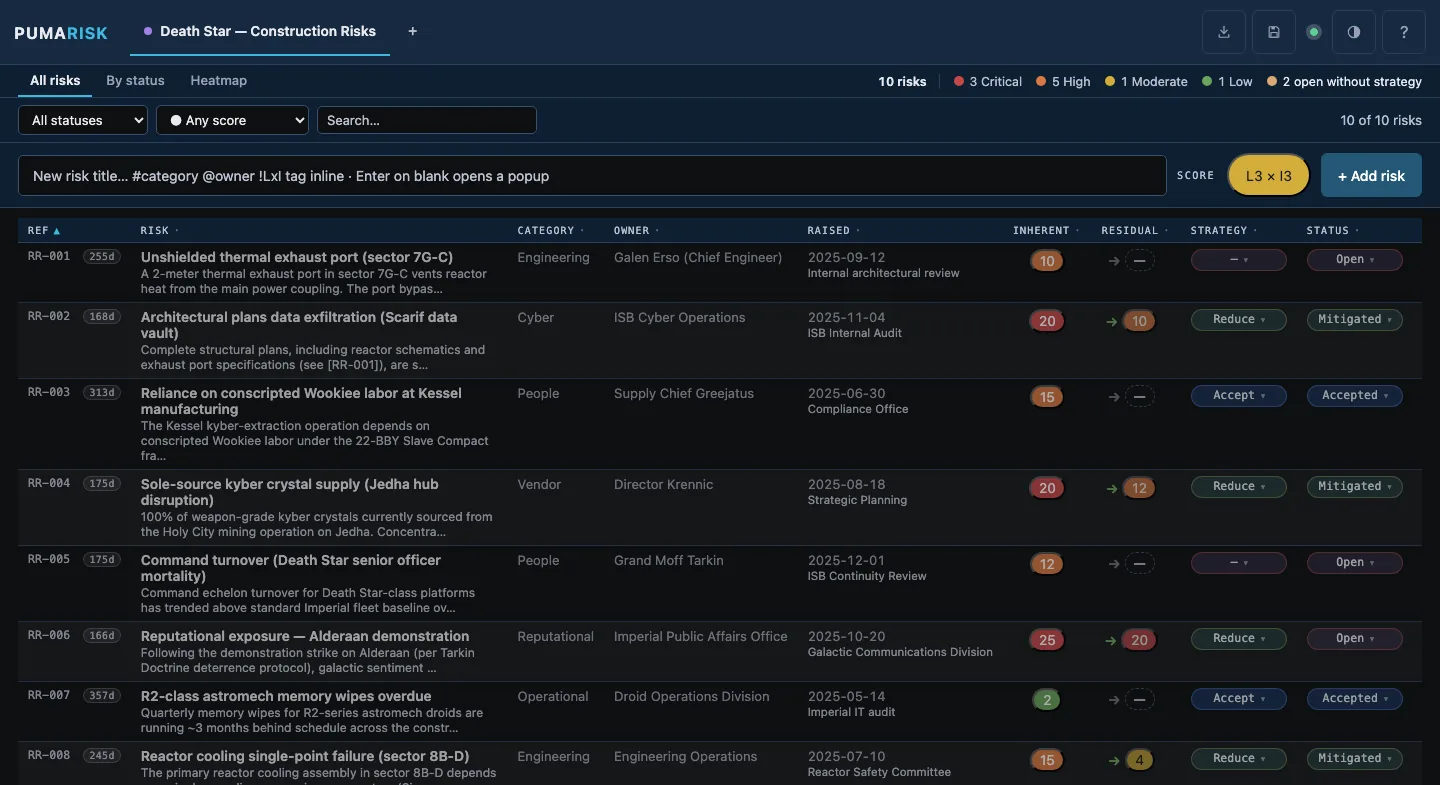
PumaRisk

Quantitative risk register

A board-ready risk register with inherent and residual scoring on a 5×5 likelihood × impact matrix. Track exposure, treatment plans, and response strategy across multiple workspaces.

  • Inherent → residual scoring with response strategy and status lifecycle
  • List, By-status, and 5×5 Heatmap views with risk-pulse summary
  • Exports to CSV, JSON, Markdown, RTF executive summary, or heatmap PNG
pumarisk.greykit.com
PumaRisk screenshot

03 Record 444 KB

PumaLogger

Timestamped event log & timeline assembler

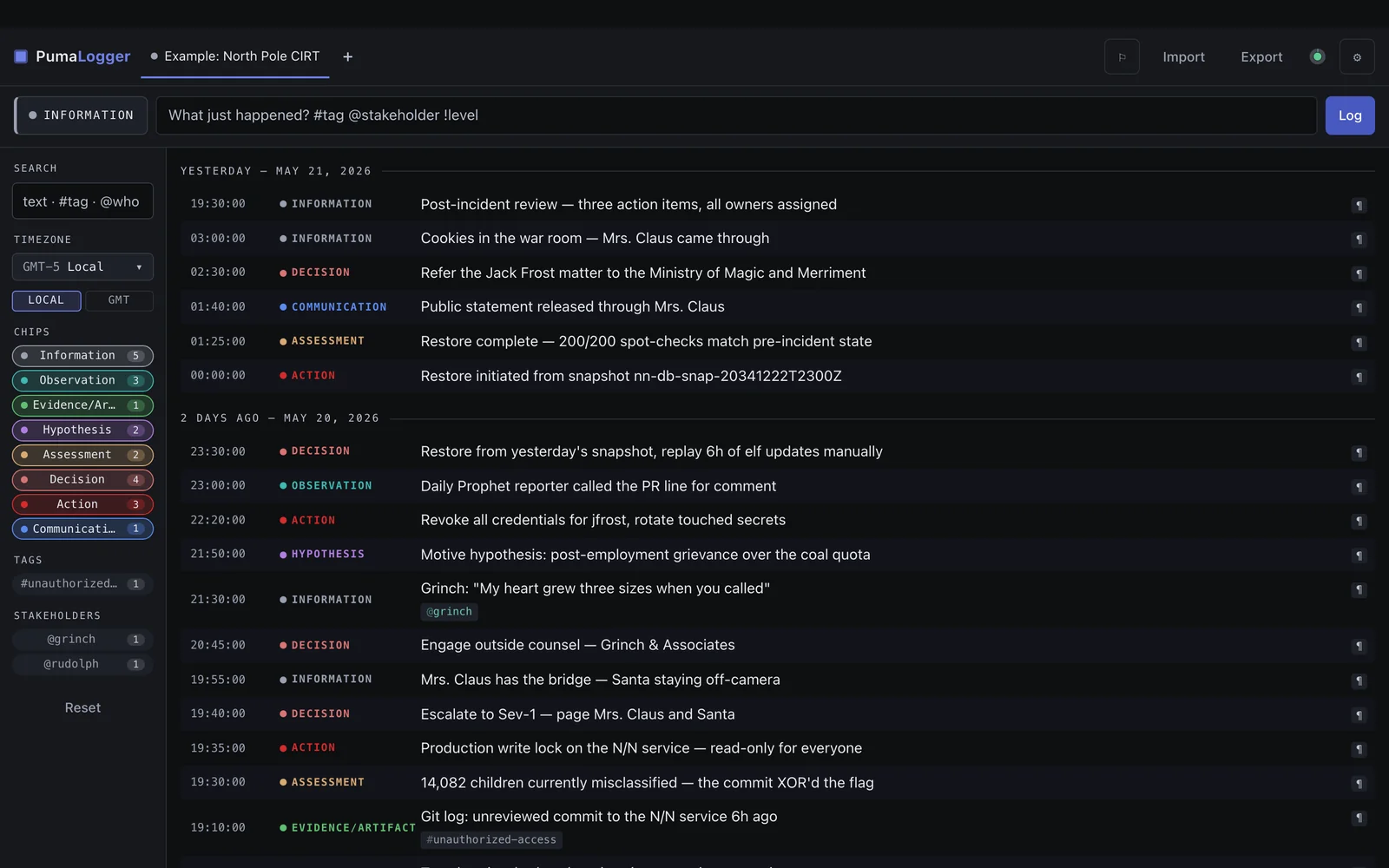
A timestamped event logger. Capture events as they happen, or recreate a master timeline from logs with global timestamps for incident response and after-action reporting.

  • Multi-timezone timeline assembly from imported logs
  • Quick-tag and category filtering across events
  • Markdown export shaped for incident reports
pumalogger.greykit.com
PumaLogger screenshot

04 Recover 347 KB

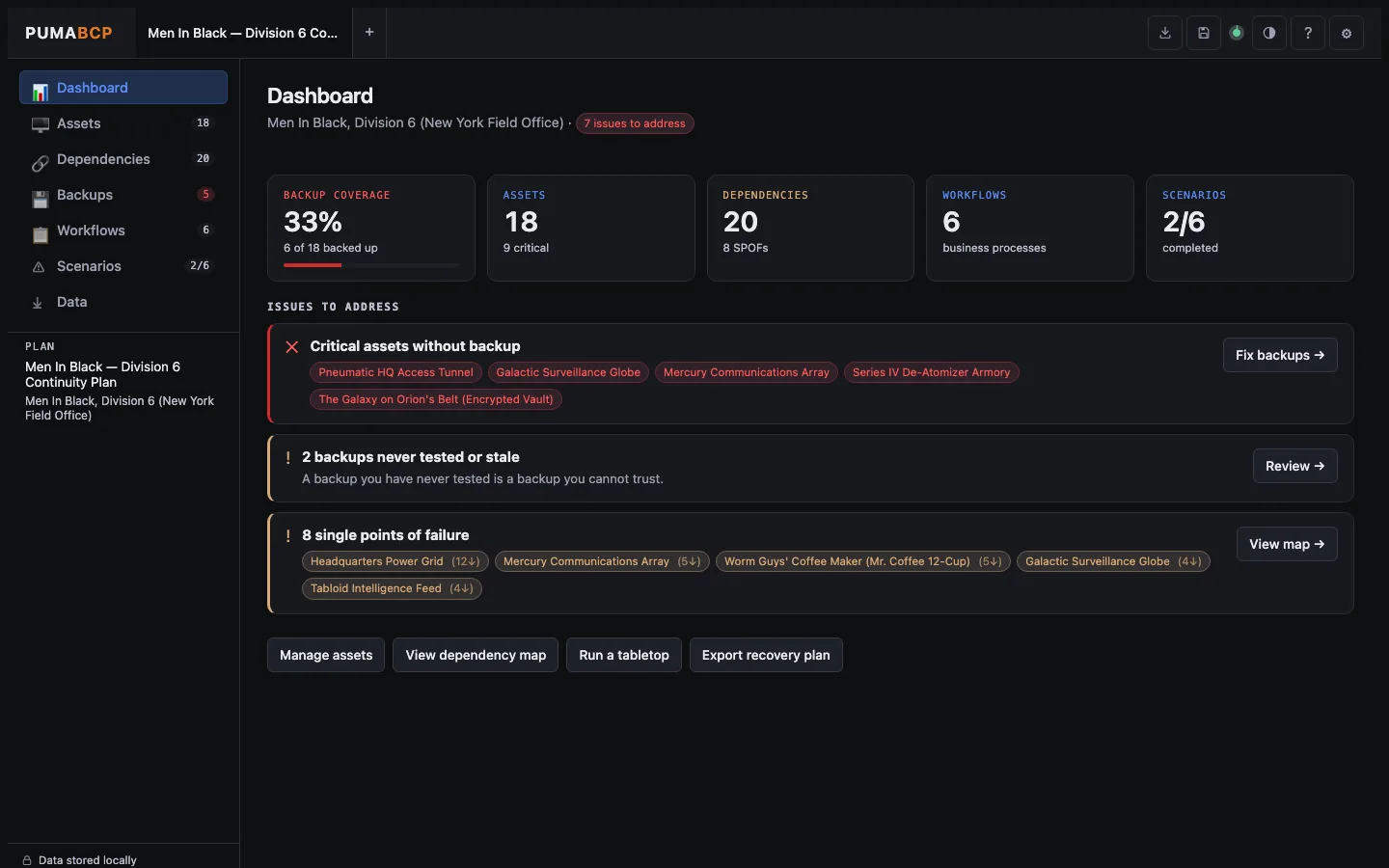
PumaBCP

Business continuity & disaster-recovery planner

Inventory technology assets, map dependencies, document backup state, and walk tabletop exercises against ransomware, outages, and vendor failures.

  • Interactive dependency graph for cascading failures
  • Prebuilt tabletop scenarios or build your own
  • Simple backup/restore capability tracker
pumabcp.greykit.com
PumaBCP screenshot
Featured Suite

PumaWorx

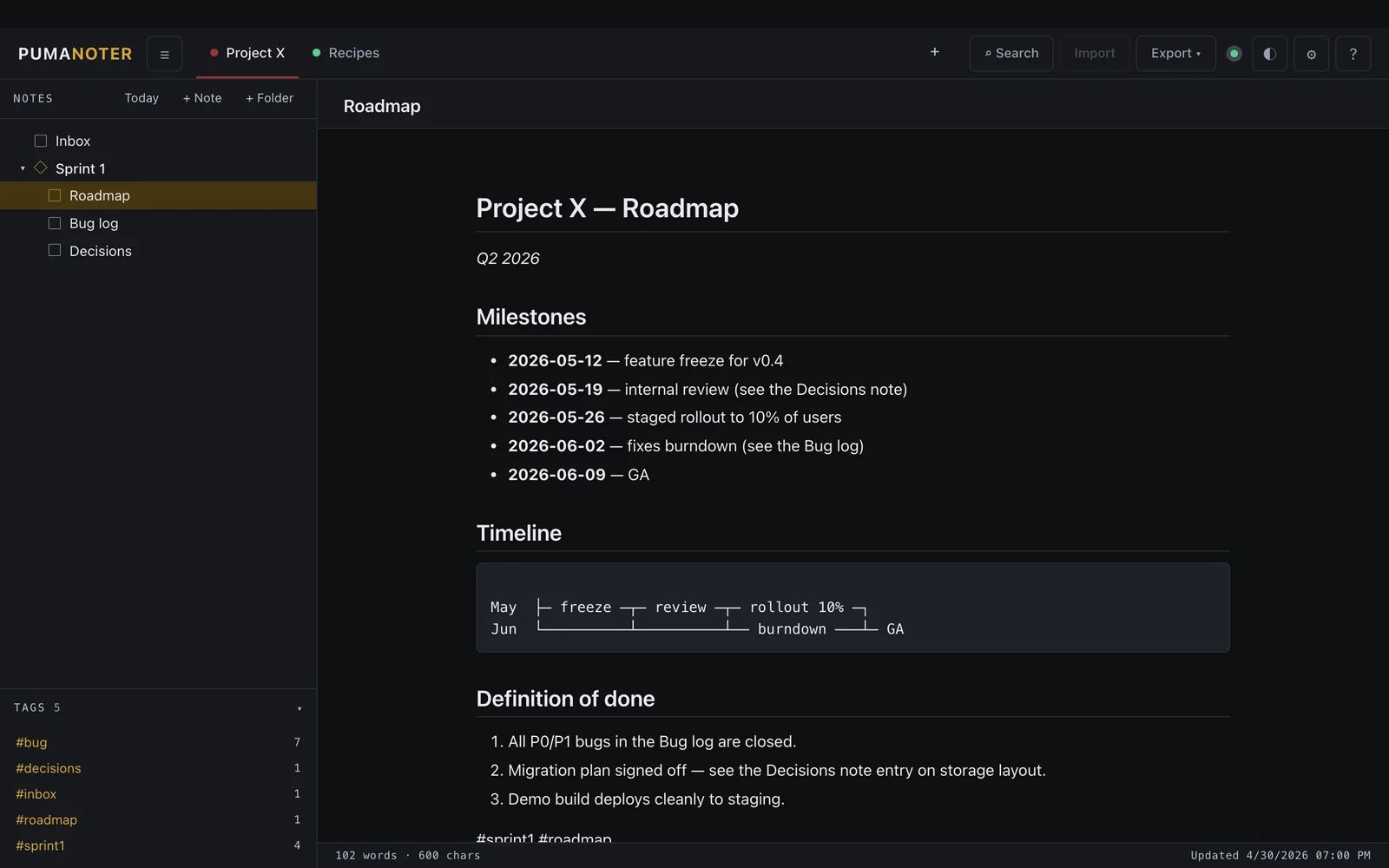
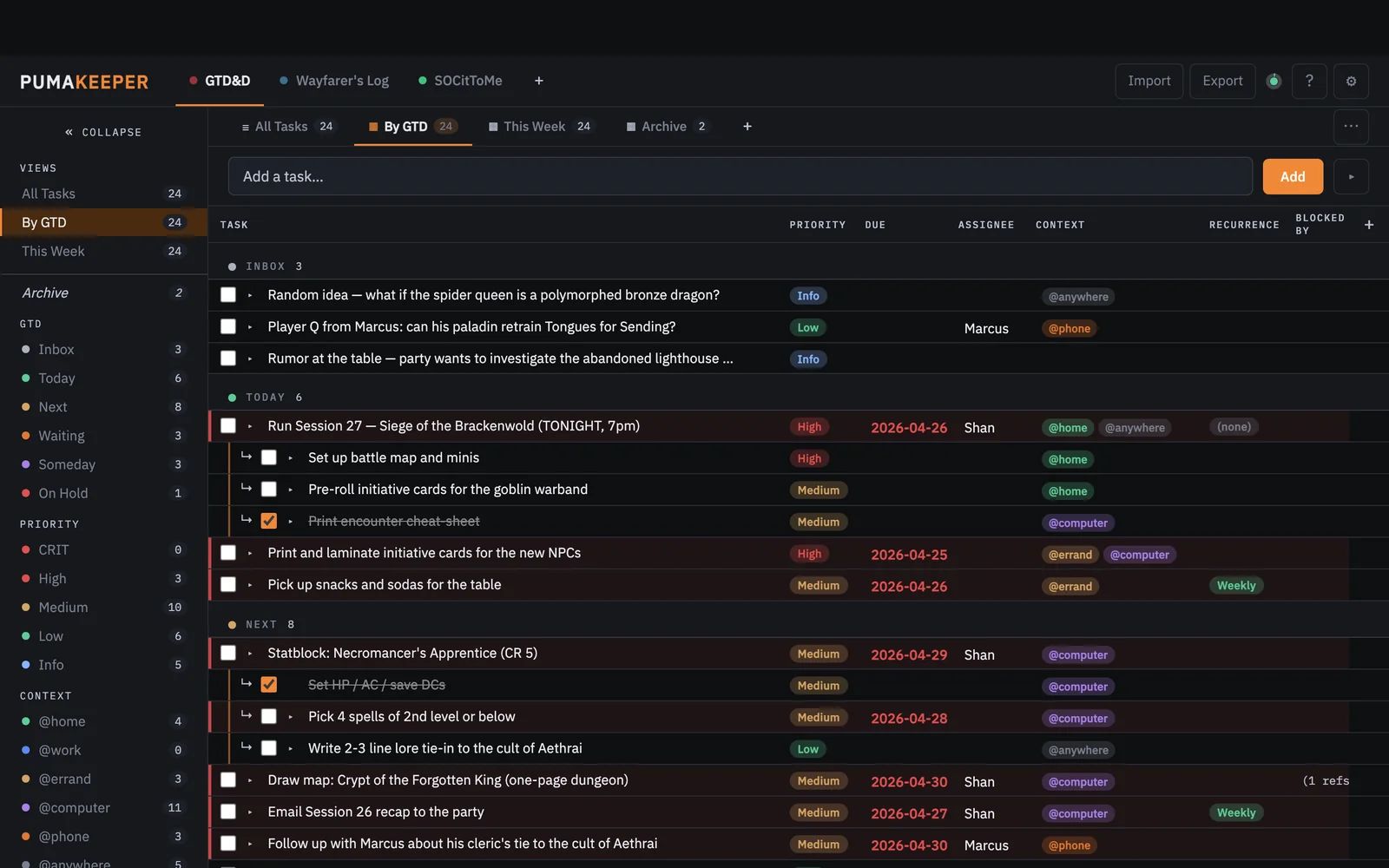
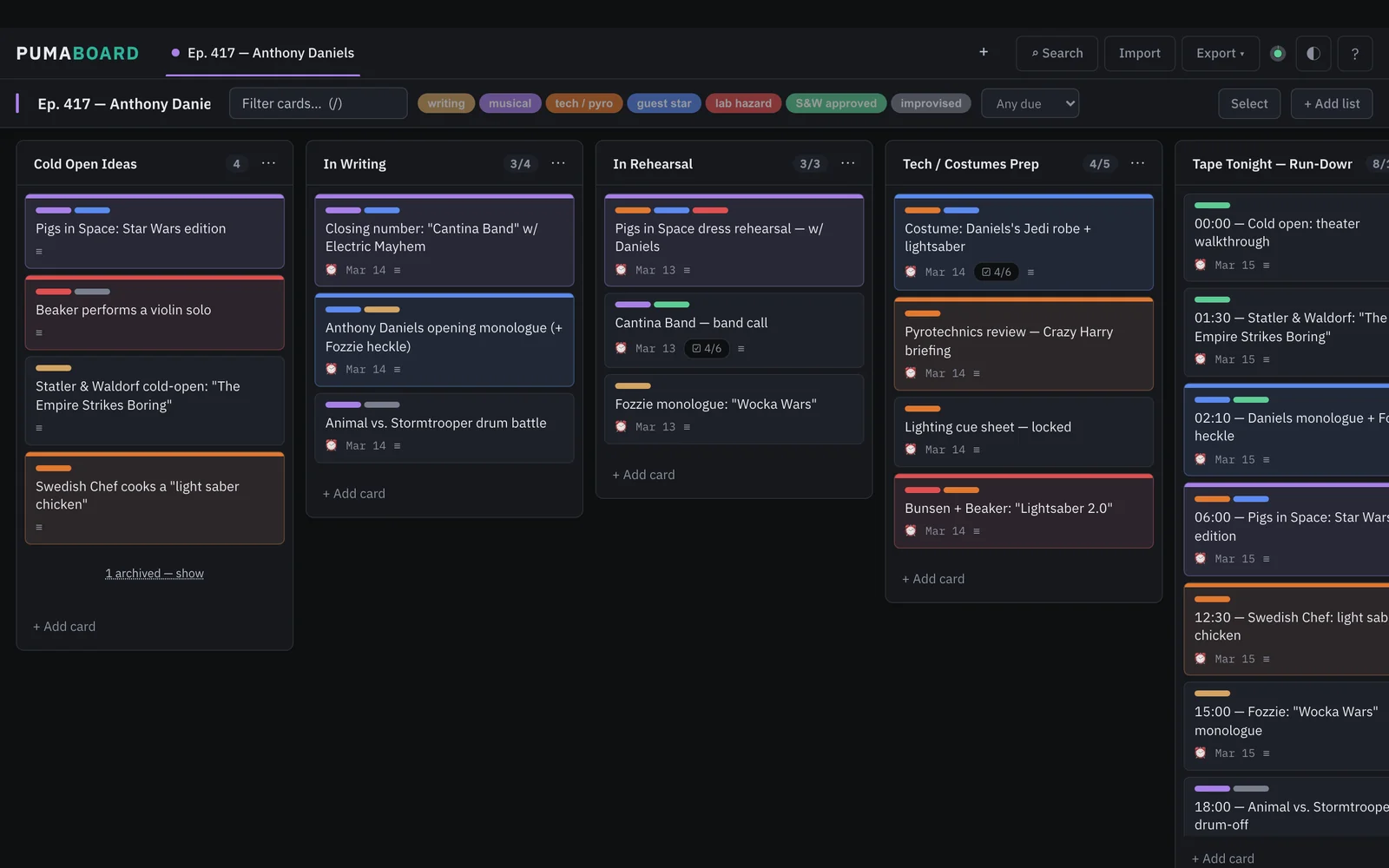
A suite of portable productivity apps that run offline in your local browser for minimal footprint and zero external connections or dependencies. Task tracking, kanban, notes, maps, flows, and more.

Explore the suite
Installation

Three ways to use any PumaWorx app.

Pick whichever fits how you work. They're all equally official and they all do the same thing.

STEP 01 · LIGHTEST

Open the live URL

Visit pumagrc2.greykit.com (or any other). The app loads. You're done. Browser caches the file — works offline after the first visit.

STEP 02 · PORTABLE

Save the HTML file

Right-click → Save Page As. You now have a portable, offline-forever copy. Open it from a USB stick, a sandboxed VM, an air-gapped laptop.

STEP 03 · POLISHED

Install as a PWA

Desktop or phone app with auto-updates, no app store required. Chrome / Edge: Chromium: Save and Share → Install. Safari iOS: Share → Add to Home.

About your data. By default, each app stores data in your browser's localStorage. That's per-browser and per-device. Use the built-in Export button (JSON, CSV, or Markdown depending on the app) any time you want a portable backup — or to hand the data to another app in the suite.
Open Source

As open source as it gets

The single-page HTML IS the source. There's nothing to build, include, or compile — each app is 100% human readable with inline documentation.